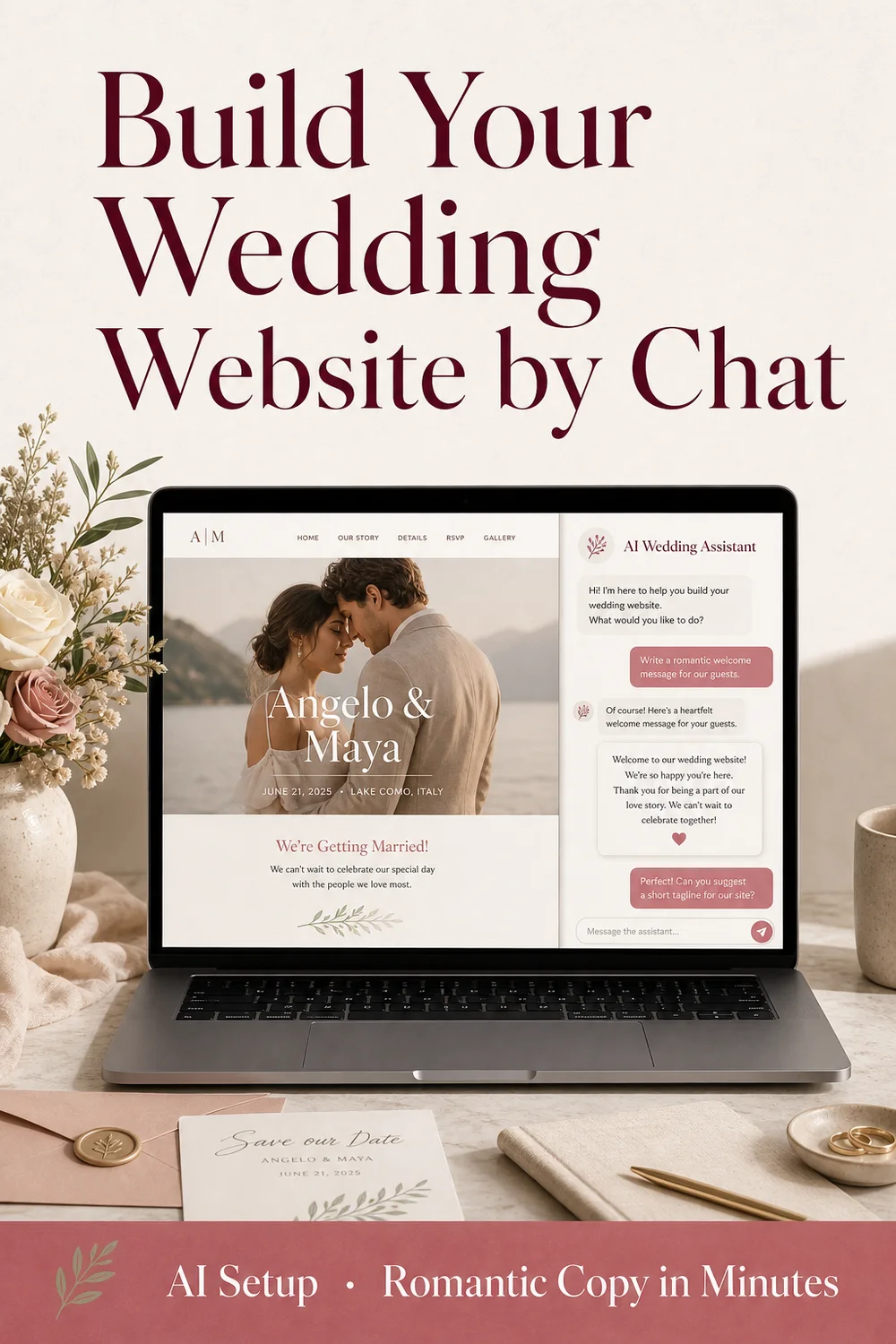
Weddnesday AI Wedding Assistant: Build Your Wedding Website by Chat
Creating a wedding website should feel exciting — not like staring at empty boxes wondering what to write. Weddnesday’s AI Wedding Assistant (also called AI Setup) helps couples turn a few details about their wedding into polished, romantic website copy in minutes.
No coding. No blank pages. Just a conversation.
What Is AI Wedding Assistant?
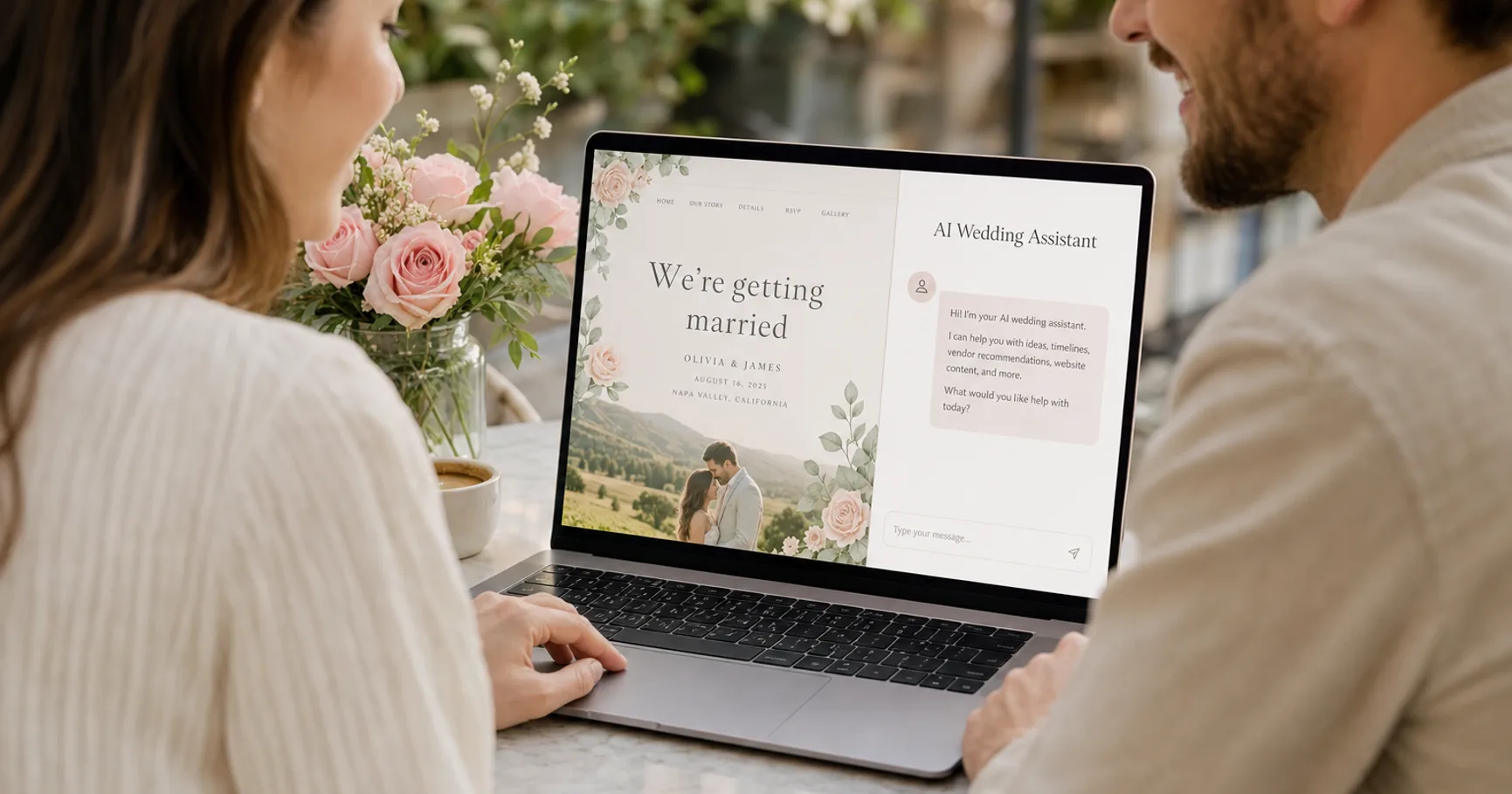
AI Wedding Assistant is Weddnesday’s built-in AI chat inside the wedding website editor. You describe your wedding in plain language — names, date, love story, venues, and anything else that matters — and the assistant writes guest-ready text directly into your chosen template.
It is not a separate chatbot you copy-paste from. It knows how Weddnesday templates are structured, so headlines, bios, events, and RSVP labels land where guests expect to find them.
Think of it as a writing partner that already understands wedding websites.
👉 Try it free:
https://weddnesday.com/ai-wedding-assistant
How It Helps Couples
Skip the blank-page problem
Most couples know their story by heart — they just struggle to put it into website wording. AI Setup asks for the essentials and turns your answers into romantic hero text, couple bios, love-story milestones, and event details.
You stay in control of the facts. The AI helps with the phrasing.
Go from “we’re engaged” to a full draft in minutes
Instead of filling dozens of fields one by one, you chat once. When enough information is collected, your template fills section by section while you watch. That first draft becomes something you can share, refine, and publish — without starting from a blank site.
Keep refining without hunting through menus
Plans change. Dates shift. Tone needs a tweak. After the first setup, you can keep chatting: rewrite a bio, soften a headline, update ceremony details, or adjust RSVP labels. You do not have to remember which field sits where — just ask.
Write in your language
Weddings are international. Start the conversation in French, Spanish, Italian, Romanian, or any language you prefer. The assistant continues in that language and can localize menu labels, RSVP wording, and section titles for your guests.
Pair AI writing with a real visual editor
AI focuses on the words that make guests feel invited. Photos stay yours to upload. Colors, fonts, and fine-tuning stay in Weddnesday’s visual editor. Use both together: chat for copy, editor for polish.
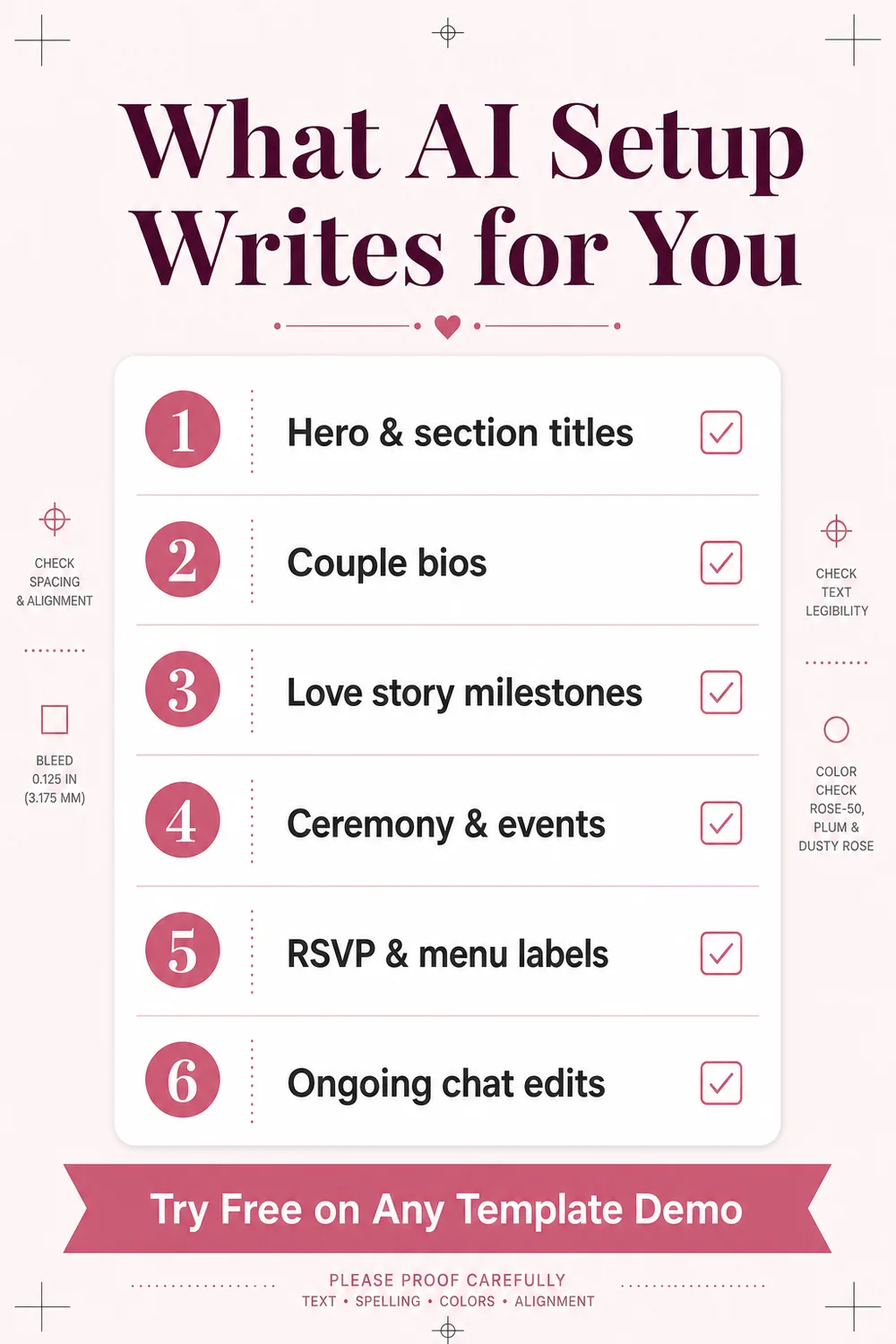
What AI Setup Can Write for You
On your wedding website, AI Setup can help create and refine:
- Romantic hero subtitles and section titles
- Couple bios based on your words — not generic filler
- Love story milestones with dates and heartfelt descriptions
- Ceremony, reception, and other event details in a clear, guest-friendly format
- RSVP, menu, and footer labels, including localized wording
- Ongoing copy edits whenever you need a change
It works across all five Weddnesday templates: Alice, Clara, Dahlia, Elise, and Nora. Pick the look you love; AI fills it with your story.
👉 Browse templates:
https://weddnesday.com/templates
How It Works
- Choose a template — Browse Weddnesday’s designs and open one in edit mode. You can try AI Setup on a free demo — often without creating an account first.
- Chat about your wedding — Share names, wedding date, a bit about each of you, your love story, ceremony and reception details, and optional social links if you want them on the site.
- Watch your site fill — The assistant writes into the live template. You see the website take shape as romantic copy appears where guests will read it.
- Refine and personalize — Ask for changes in chat, then upload photos and fine-tune anything in the visual editor.
- Save, publish, and share — When you are happy, save your site, publish it, and send the link to guests. Every Weddnesday site can include built-in online RSVP.
👉 Start a free AI demo on Clara:
https://weddnesday.com/templates/clara?editMode=true&aiSetup=true
Try Free, Then Choose How to Continue
You can try AI Setup free on any template demo. That makes it easy to see whether the tone and flow feel right before you commit.
A few simple rules couples should know:
- Saving a new website that AI wrote requires a paid plan starting at One Year ($39).
- On the Free plan, you can try AI on demos, then choose Start fresh on Free to reset the template and build manually without AI if you prefer to stay on Free.
- On paid plans, AI Wedding Assistant is also available on sites you have already saved — useful for updates after publish.
- An unfinished AI demo draft can stay in your browser for a short time (about a week) so you can come back and finish on the same device.
In short: try freely, save AI-built sites with a paid plan, or build manually on Free — whatever fits your wedding budget.
👉 See plans:
https://weddnesday.com/pricing
AI Setup vs Free Setup
Weddnesday offers two ways to get help starting your site:
- AI Setup — Instant and self-service. You chat in the editor and your site updates live. Best for couples who want control and fast iteration.
- Free Setup — A human service. You send details via a form and the Weddnesday team builds a draft within 24–48 hours. Best for couples who want a hands-off first draft.
Both options sit on top of the same templates, editor, and RSVP tools. Choose speed and self-service, or a human-built starting point — or try both paths at different stages of planning.
👉 Learn about Free Setup:
https://weddnesday.com/free-setup
Why This Is Different from Pasting ChatGPT into a Form
Generic AI tools can write pretty paragraphs. They do not know which text belongs in your hero, which belongs in RSVP labels, or how your specific Weddnesday template is laid out.
Weddnesday’s AI Wedding Assistant is built into the editor, template-aware, and designed for wedding guests as the audience. You chat once; the site updates in place. That is the difference between “AI-generated text somewhere” and “a wedding website that is actually ready to personalize.”
A Few Light Notes for Curious Readers
Nothing here needs a developer — but if you like to know how things fit together:
- The assistant runs inside Weddnesday’s wedding website editor, not as a separate app.
- You interact through a simple chat in everyday language.
- Content is written into the same template your guests will see, so the preview matches the final site.
- After setup, your site is still a normal Weddnesday wedding website: editable, publishable, and ready for online RSVP.
- AI is meant for words and structure; images and visual styling remain under your control in the editor.
Weddnesday does not ask you to learn prompts, APIs, or design tools. Chat, review, adjust, publish.
Who It Is For
AI Wedding Assistant is a strong fit if you:
- Want a beautiful wedding website without writing every line from scratch
- Prefer chatting over filling long forms
- Need multilingual or localized guest wording
- Want to update copy later without digging through every section
- Still care about uploading your own photos and controlling the final look
If you love writing every word yourself, the visual editor still works on its own. AI is there when you want a faster, warmer first draft — or a quicker way to revise.
Get Started
- Visit the AI Wedding Assistant page, or
- Open any template and start AI Setup, or
- Try the popular demo path: open Clara with AI Setup and chat about your wedding.
From there, your love story becomes a mobile-ready wedding website — romantic copy, event details, couple bios, and RSVP labels included.
Chat in plain language. No coding. No blank pages.
Save These Guides for Later
Building Your Wedding Website Shouldn’t Be Hard
Wedding Website Bios That Guests Actually Read
Modern Wedding Website Features
Stay Connected
Follow Weddnesday for weekly planning tips, wedding website ideas, and guest-friendly wording examples.
Save This on Pinterest