Wedding Website RSVP Reminder Wording: How to Follow Up Without Feeling Pushy
RSVP reminders can feel awkward, but they are a normal part of wedding planning. Even thoughtful guests miss deadlines, forget to submit meal choices, or assume they already replied. The goal is not to sound pushy — it is to give guests a clear, kind nudge so you can finalize catering, seating, transportation, and vendor details with less stress.
Your wedding website makes this much easier. Instead of sending long individual messages, you can direct guests back to one place where the RSVP deadline, event details, meal choices, plus-one information, and FAQ answers are already organized.
Why RSVP Reminders Matter
Every unanswered RSVP creates a planning ripple. Your caterer needs a final count. Your seating chart depends on confirmed names. Your shuttle, welcome bags, rentals, and day-of team all work better when the guest list is accurate.
A reminder is not rude when it is helpful, specific, and easy to act on. Most guests appreciate a simple prompt — especially when the message includes the direct RSVP link and a clear deadline.
When to Send RSVP Reminders
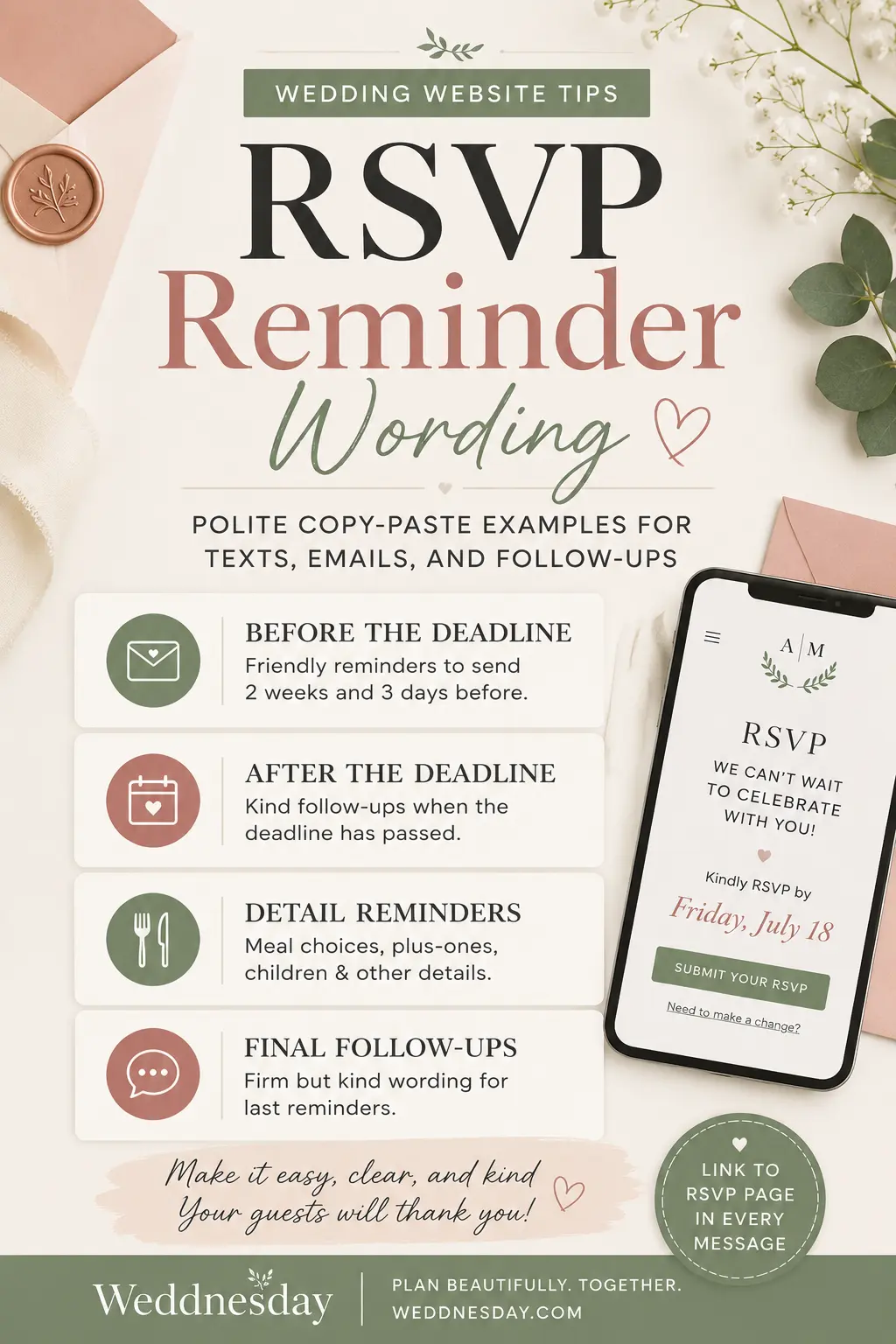
The best RSVP reminders happen before the deadline, not only after it passes. A gentle timeline keeps guests informed without making anyone feel chased.
- Two weeks before the deadline: Send a friendly reminder to all invited guests who have not responded.
- Three to five days before the deadline: Send a shorter reminder with the exact RSVP date.
- The day after the deadline: Follow up directly with anyone still missing.
- One week after the deadline: Send a final note if needed, then confirm numbers with vendors.
What Every RSVP Reminder Should Include
Keep your message short. Guests do not need a long explanation — they need the deadline, the link, and a clear next step.
- A warm opening: Start with appreciation, not pressure.
- The exact deadline: Use the full date so there is no confusion.
- The RSVP link: Send guests directly to the RSVP page, not just the homepage.
- What they need to complete: Attendance, meal choice, plus-one name, children, allergies, or event-specific responses.
- A kind reason: Mention final counts, seating, or catering without overexplaining.
RSVP Reminder Wording for Your Wedding Website
Add a short reminder near your RSVP form so guests understand the deadline before they submit.
Simple website wording:
Please RSVP by [date] so we can finalize our celebration details. You can respond directly through this page and update meal choices, guest names, and any dietary notes.
Warm website wording:
We cannot wait to celebrate with you. Kindly RSVP by [date] so we can confirm our final guest count, seating, and meal details.
Direct website wording:
RSVPs are due by [date]. Please submit your response through this page so we have everything in one place.
Text Message RSVP Reminder Examples
Text works well for guests who are close to you or likely to miss email. Keep it light and easy to answer.
Friendly text reminder:
Hi [name], just a quick reminder that our wedding RSVP deadline is [date]. You can reply here: [link]. We would love to know if you can make it.
Short text reminder:
Hi [name], RSVP reminder for our wedding — please respond by [date] here: [link]. Thank you so much.
After-deadline text:
Hi [name], we are finalizing wedding numbers and did not see your RSVP come through. Could you please respond by [new date/time] using this link? [link]
Email RSVP Reminder Examples
Email is best when you need to include more detail, especially for multi-event weddings, destination plans, meal choices, or travel information.
Subject: Friendly reminder: please RSVP by [date]
Hi [name],
We are so excited to celebrate with you. This is a quick reminder to RSVP for our wedding by [date]. You can submit your response, meal choice, and any dietary notes through our wedding website:
Thank you so much for helping us finalize our plans. We cannot wait to see you.
After-deadline email:
Hi [name],
We are finalizing our wedding guest count and noticed we have not received your RSVP yet. Could you please submit your response by [new date/time] using the link below?
This helps us confirm catering, seating, and day-of details. Thank you so much.
Reminder Wording for Meal Choices
If someone has RSVP’d but skipped their meal choice, send a focused reminder. Do not make them reread the entire invitation.
Meal choice reminder:
Hi [name], thank you for RSVPing. We are missing your meal choice and need it by [date] for our caterer. You can update it here: [link].
Dietary note reminder:
Hi [name], we are confirming final meal details. If you have any allergies or dietary needs, please add them to your RSVP by [date]: [link].
For more help collecting dinner details clearly, read Wedding Website Meal Choice Wording.
Reminder Wording for Plus-Ones
Plus-one details can affect seating charts, escort cards, meal counts, and name spelling. Ask clearly and early.
Plus-one name reminder:
Hi [name], we are finalizing our guest list and still need your plus-one’s full name for our seating chart. Please update your RSVP by [date]: [link].
Plus-one attendance reminder:
Hi [name], just checking whether your invited guest will be joining you at the wedding. Please confirm through our RSVP page by [date]: [link].
If you need wording for invite boundaries, see How to Explain Who’s Invited on Your Wedding Website.
Reminder Wording for Children and Family Details
For families, your reminder may need to confirm children, kids’ meals, childcare, or event access. Be clear so parents can plan confidently.
Children RSVP reminder:
Hi [name], we are finalizing family details for the wedding and wanted to confirm whether [child/children’s names] will be attending. Please update your RSVP by [date]: [link].
Childcare reminder:
Hi [name], if you would like to reserve a childcare spot during the reception, please confirm through our RSVP form by [date]. Details are here: [link].
For more wording examples, read Wedding Website Kids & Childcare Wording.
Reminder Wording for Multi-Event Weddings
If your wedding includes a welcome party, ceremony, reception, brunch, or destination events, guests may need to RSVP for each one separately.
Multi-event reminder:
Hi [name], we are confirming attendance for our wedding weekend events. Please update your RSVP by [date] and let us know which events you can attend: [link].
Welcome party reminder:
Hi [name], quick reminder to confirm whether you will join us for the welcome party on [date]. You can update your RSVP here: [link].
A clear schedule also helps guests understand what they are invited to. See From Save-the-Date to Thank You for ideas on using your wedding website throughout the whole planning journey.
What to Say After the RSVP Deadline Passes
Once the deadline passes, your reminder can be more direct while still staying polite. Give guests a final response window and explain that you are closing numbers.
Polite after-deadline wording:
Hi [name], we are finalizing our wedding numbers and have not received your RSVP yet. Please let us know by [date/time] whether you can attend. Here is the RSVP link: [link]. Thank you so much.
Firm but kind wording:
Hi [name], we are sending final numbers to our vendors and need your RSVP by [date/time]. If we do not hear back, we will assume you are unable to attend. Thank you for understanding.
Very close guest wording:
Hi [name], checking in one more time before we close our wedding count. We would love to have you there, but need your RSVP by [date/time] so we can finalize everything.
What Not to Say in an RSVP Reminder
Even when you are stressed, avoid wording that makes guests feel embarrassed or scolded. The reminder should move the planning forward, not create tension.
- Do not say: “You missed the deadline again.”
- Say instead: “We are finalizing numbers and would be grateful for your response by [date].”
- Do not say: “We need to know immediately.”
- Say instead: “Please respond by [date/time] so we can confirm final details.”
- Do not say: “Why haven’t you RSVP’d?”
- Say instead: “We did not see your RSVP come through and wanted to check in.”
How Your Wedding Website Makes Reminders Easier
A wedding website keeps RSVP reminders from turning into scattered text threads. Guests can respond, update details, reread the schedule, and check the FAQ in one place.
- Add the RSVP deadline to your homepage and RSVP page.
- Link reminders directly to the RSVP form.
- Use one source of truth for schedule, meal, travel, and dress code details.
- Update your FAQ when guests ask the same question more than once.
- Send one clear reminder instead of answering every guest individually.
For deadline-specific phrasing, save Wedding Website RSVP Deadline Wording. If you are close to the wedding day, review Last-Minute Wedding Website Updates too.
Copy-Paste RSVP Reminder Templates
Before the deadline:
Hi [name], we are so excited for the wedding and wanted to send a quick RSVP reminder. Please respond by [date] through our wedding website: [link]. Thank you so much.
Three days before the deadline:
Hi [name], friendly reminder that RSVPs are due by [date]. You can confirm attendance and meal choices here: [link].
After the deadline:
Hi [name], we are finalizing numbers and did not see your RSVP come through. Please respond by [date/time] using this link: [link]. Thank you.
Final reminder:
Hi [name], we need to send final numbers to our vendors. Please RSVP by [date/time]. If we do not hear back, we will assume you are unable to attend. Thank you for understanding.
Build RSVP Reminders Into Your Planning Flow
The easiest RSVP reminders are the ones you plan before you need them. Add your deadline to your wedding website, prepare one email and one text version, and keep your RSVP link easy to find.
Weddnesday helps couples create guest-friendly wedding websites with clear RSVP flows, organized guest details, and simple updates in one place. Use your site as the calm center of your planning — especially when deadlines get close.
FAQ
How do you politely remind guests to RSVP?
Keep it warm, short, and specific. Mention the RSVP deadline, include the direct wedding website link, and explain that you are finalizing wedding details.
When should I send an RSVP reminder?
Send one reminder about two weeks before the deadline, another a few days before, and a direct follow-up the day after the deadline for anyone who has not responded.
Is it rude to follow up after the RSVP deadline?
No. It is reasonable to follow up because catering, seating, and vendor counts depend on accurate numbers. Keep the message polite and give a clear final response time.
What should an RSVP reminder text say?
A simple text can say: “Hi [name], quick reminder that our wedding RSVPs are due by [date]. Please respond here: [link]. Thank you so much.”
What if a guest still does not RSVP?
Send one final message with a deadline. If you do not hear back, it is fair to mark them as not attending and move forward with your final count.
Save These Guides for Later
Wedding Website RSVP Deadline Wording
Wedding Website Meal Choice Wording
Last-Minute Wedding Website Updates
Stay Connected
Follow Weddnesday for weekly planning tips, guest communication advice, and wedding website ideas:
Pinterest | Instagram | Facebook | LinkedIn
Save This on Pinterest