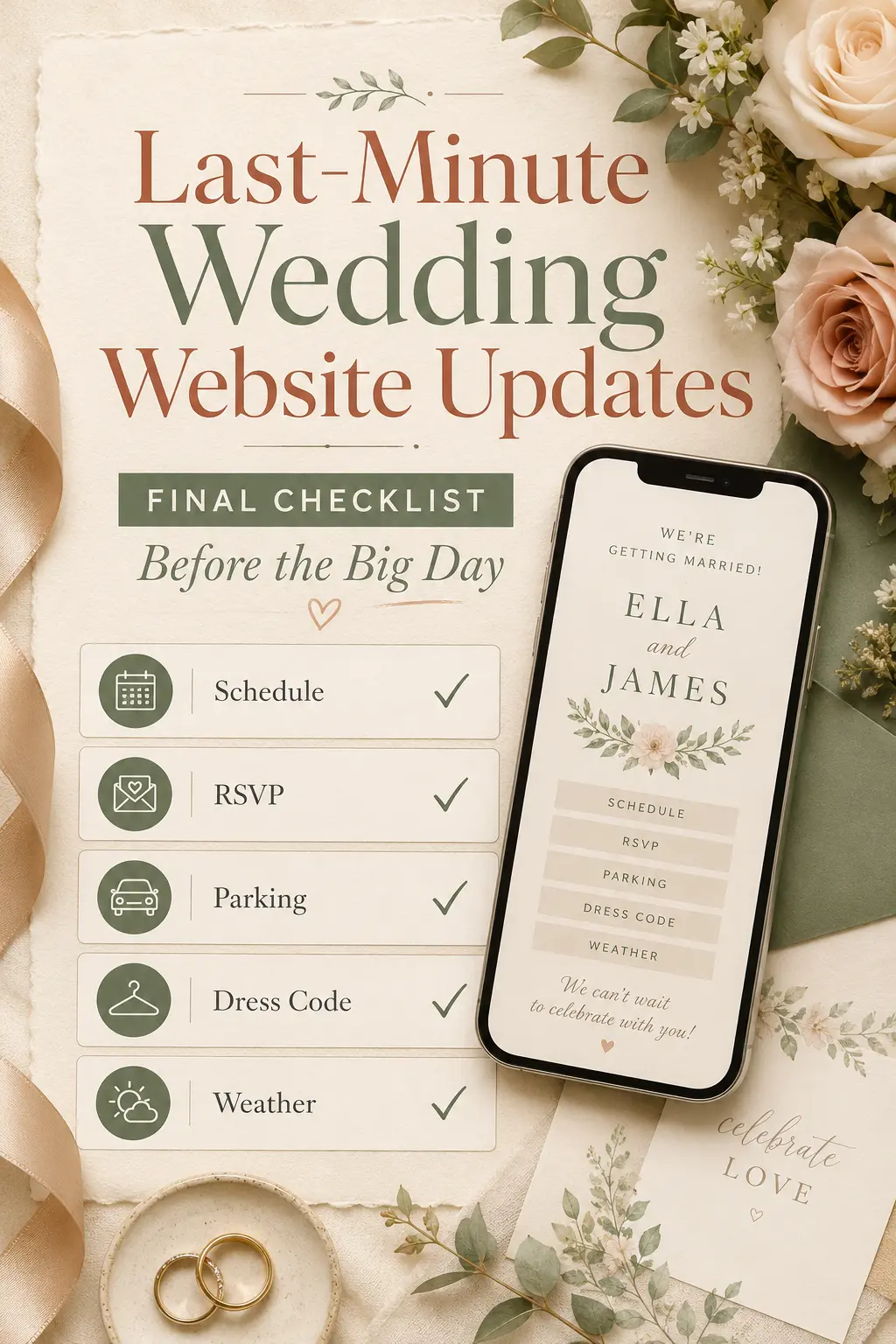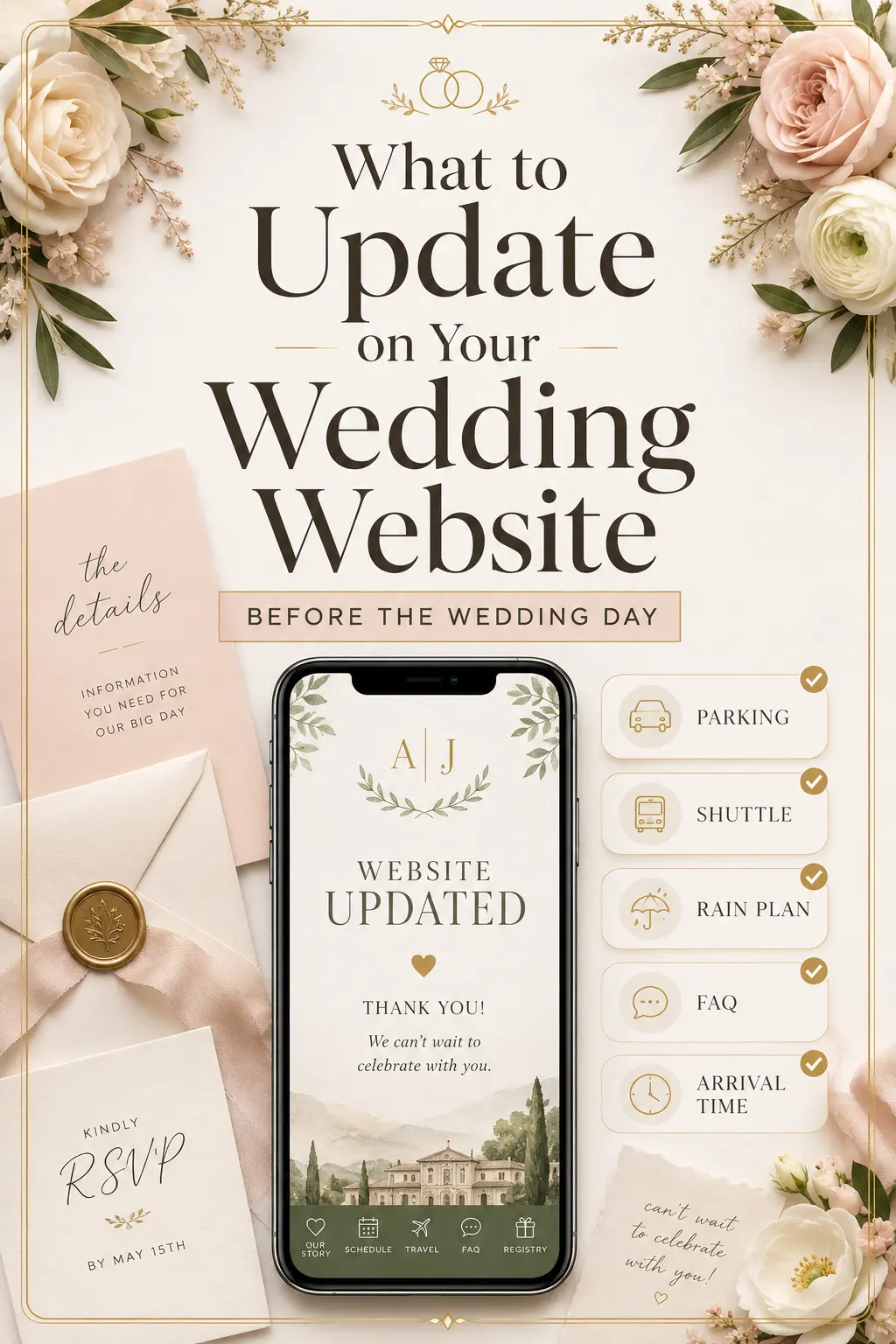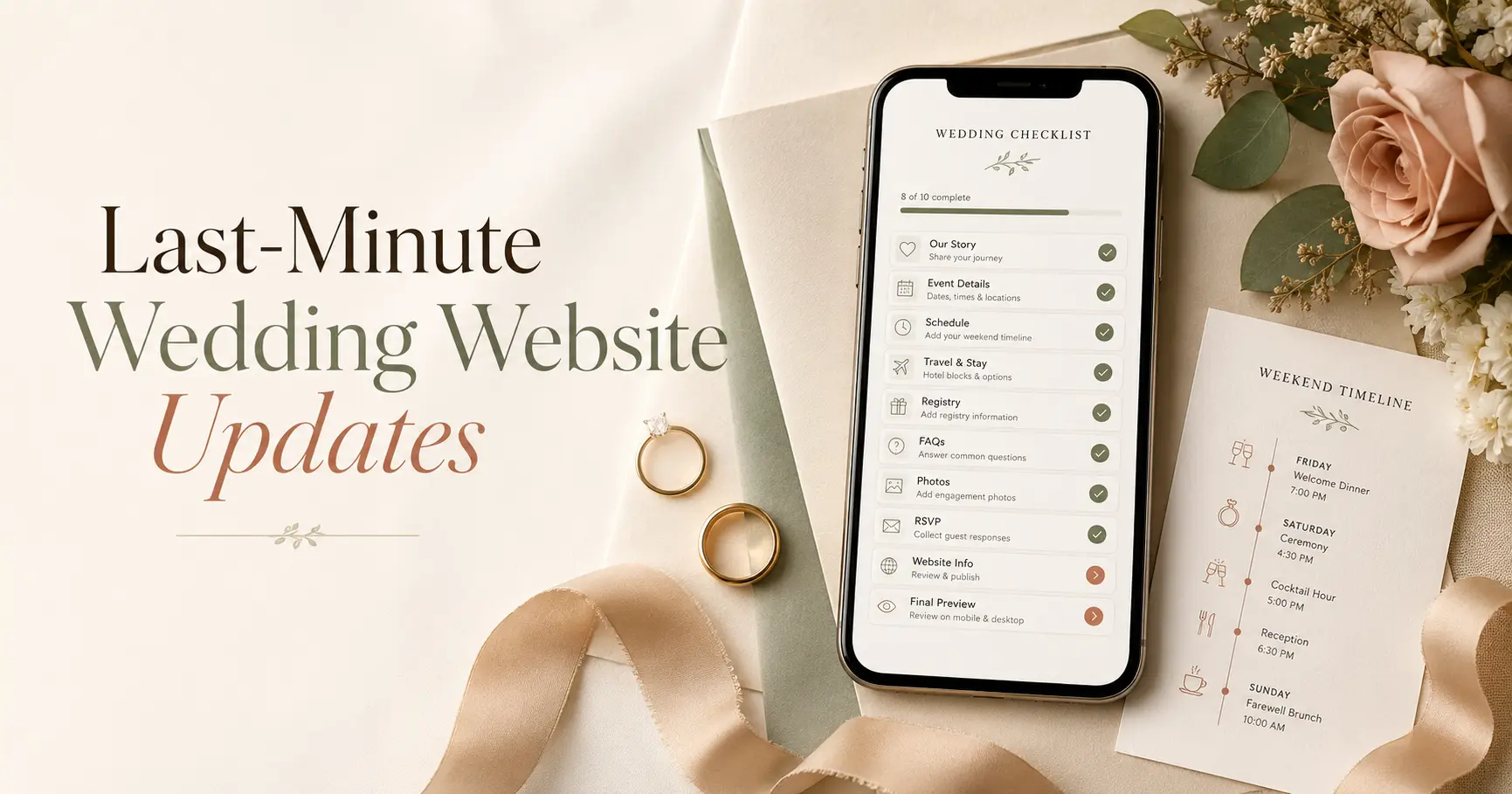
Last-Minute Wedding Website Updates: What Guests Need to Know Before the Big Day
The final weeks before your wedding are when guests start checking your wedding website the most. They are confirming the ceremony time, looking up the venue address, checking the dress code, reviewing transportation, and making sure they know what to expect. That is exactly why your website should feel current, clear, and easy to use before the big day.
Last-minute wedding website updates do not need to be complicated. The goal is simple: make your website the single source of truth so guests do not have to text you, your parents, or your wedding party for answers. Use this guide to update the details that matter most before your wedding day.
Why Last-Minute Wedding Website Updates Matter
Even if your website has been live for months, guests may not look closely until the wedding is near. A page that felt complete during save-the-date season may suddenly be missing the details guests need now: exact arrival time, parking instructions, shuttle pickup windows, rain plan, RSVP reminders, or dress code notes.
Think of your final website update as a guest experience check. You are not redesigning everything. You are making sure the most important information is visible, accurate, and easy to act on from a phone.
1) Confirm the Final Wedding Day Schedule
Your schedule is the first place guests will look. Make sure every event has the correct time, location, and expectation. If the ceremony starts at 4:00 p.m. but guests should arrive by 3:30 p.m., say that clearly.
- Include arrival time: Guests need to know when to be seated, not only when the ceremony begins.
- Separate each event: Ceremony, cocktail hour, reception, after-party, brunch, and welcome events should each have their own clear listing.
- Add who is invited: If some events are wedding-party-only, family-only, or adults-only, say so near the event details.
- Link to maps: Add venue addresses and map links so guests can navigate quickly.
For a full timing guide, see the Wedding Website Timeline.
2) Make the RSVP Status Clear
If your RSVP deadline has passed, update the RSVP page so guests know what to do next. Some guests will still check the website looking for a response form, meal choice notes, or confirmation that their RSVP went through.
- If RSVPs are closed: Add a short note explaining that final counts have been submitted.
- If you are still collecting responses: Keep the RSVP button visible and include the final response date.
- If meal choices are locked: Mention that catering selections can no longer be changed.
- If guests need help: Give one clear contact person instead of asking them to message both partners.
For wording ideas, use Wedding Website RSVP Deadline Wording and Wedding Website Meal Choice Wording.
3) Update Transportation, Parking, and Shuttle Details
Transportation questions usually spike right before the wedding. Guests want to know where to park, whether rideshare is reliable, when shuttles leave, and how they will get back after the reception. This is one of the most important final updates you can make.
- Parking: Include the parking address, cost, valet details, and whether guests need cash or a card.
- Shuttles: List pickup location, pickup time, return windows, and whether guests need to reserve a seat.
- Rideshare: Note whether Uber, Lyft, taxis, or local car services are reliable near the venue.
- Walking routes: If guests are moving between nearby venues, explain distance, terrain, and footwear considerations.
For more examples, read Wedding Website Transportation & Shuttle Info.
4) Add a Weather or Rain Plan Note
If your wedding includes any outdoor element, guests will check the forecast. Even a short weather note can prevent confusion and reduce last-minute messages. You do not need to sound worried. You just need to sound prepared.
- Outdoor ceremony: Mention whether the ceremony will move indoors if needed.
- Outdoor cocktail hour: Explain whether there is shade, heating, cooling, or a covered backup area.
- Guest comfort: Suggest wraps, layers, umbrellas, sunscreen, or practical shoes only when truly useful.
- Live updates: Tell guests where you will post weather-related changes.
Use calm wording from Wedding Website Rain Plan Wording if you need a copy-paste starting point.
5) Recheck Dress Code and Practical Attire Notes
Guests may remember the dress code but forget the details. A final update should make the dress code easy to understand and practical for the actual setting. This is especially helpful for outdoor ceremonies, historic venues, beach weddings, garden receptions, and multi-event weekends.
- Clarify the formality: Use examples like cocktail attire, semi-formal, black tie optional, garden party, or beach formal.
- Mention terrain: Grass, gravel, sand, stairs, or cobblestones can affect shoe choices.
- Add weather context: If evenings get cool or ceremonies are sunny, say so.
- Explain event differences: Welcome party attire may be different from ceremony attire.
For clear examples, see Wedding Website Dress Code Wording.
6) Confirm Hotel Blocks and Accommodation Deadlines
Hotel blocks often have cutoff dates, and guests may forget to book until the final stretch. Update your accommodation page with current availability, booking links, check-in notes, and transportation connections between hotels and venues.
- Remove expired confusion: If the room block deadline has passed, say whether guests can still call the hotel.
- Highlight shuttle hotels: Make it obvious which hotels are included in transportation plans.
- Add check-in reminders: Mention early check-in limits if guests are arriving close to ceremony time.
- Include local alternatives: Suggest nearby neighborhoods or backup options if the block is full.
For helpful phrasing, use Wedding Website Accommodation Wording.
7) Review Kids, Plus-Ones, and Who Is Invited
The final weeks are not the time for vague guest list wording. If your RSVP system already shows invited names, that helps. Still, your FAQ should clearly explain children, plus-ones, childcare, and event-specific invitations so guests are not left guessing.
- Children: State whether children are invited, whether childcare is offered, and whether different events have different rules.
- Plus-ones: Remind guests that invitations are limited to the names listed on their RSVP.
- Family-only moments: Clarify rehearsal dinners, welcome events, or brunches that are not open to everyone.
- Exceptions: Avoid vague language that encourages guests to ask for individual changes.
Helpful guides include How to Explain Who’s Invited and Wedding Website Kids & Childcare Wording.
8) Add a Short “Before You Arrive” FAQ
A final FAQ section can prevent dozens of repeated questions. Keep it short, practical, and focused on what guests need in the final days before the wedding.
- What time should I arrive? Give a specific arrival window.
- Where should I park? Include the address, entrance, and cost.
- Can I take photos? Mention any unplugged ceremony request.
- What should I wear? Link to the dress code section.
- Will transportation be provided? Include shuttle pickup and return details.
- Who should I contact on the wedding day? Share a planner, coordinator, or designated contact if appropriate.
For more FAQ inspiration, read What to Write on Your Wedding Website FAQs.
9) Place the Most Important Update on the Homepage
Guests should not have to hunt for urgent information. If there is one update everyone needs to see, place it near the top of your homepage. This could be a shuttle reminder, ceremony arrival time, weather note, RSVP deadline, or parking instruction.
- Use plain language: “Please arrive by 3:30 p.m. for our 4:00 p.m. ceremony.”
- Keep it short: One or two sentences are enough.
- Link to details: Send guests to the full schedule, travel page, or FAQ.
- Remove old announcements: Outdated notes make guests question what is current.
This is especially useful if you are using your website as the single source of truth for final wedding updates.
10) Test the Website Like a Guest
Before you send a reminder, open your website on your phone and move through it like a guest would. Can you find the venue address in seconds? Is the RSVP status obvious? Do map links work? Are hotel and shuttle details current? Are private details protected?
- Open every major page on mobile.
- Click every map, RSVP, registry, hotel, and schedule link.
- Check that dates, times, and addresses match your final vendor documents.
- Make sure photos load quickly and text is easy to read.
- Ask one trusted friend to find the ceremony time, parking details, and dress code without help.
For broader mistakes to avoid, review Common Wedding Website Mistakes.
What to Update One Month Before the Wedding
- Confirm the full weekend schedule.
- Review hotel block deadlines and travel details.
- Update RSVP reminders and meal choice instructions.
- Add dress code details for each event.
- Check that your FAQ covers the most common guest questions.
What to Update One Week Before the Wedding
- Add a homepage reminder with the most important arrival information.
- Confirm parking, shuttle, and rideshare instructions.
- Post any weather or rain plan notes.
- Remove outdated RSVP language.
- Check every link on mobile.
What to Update the Day Before the Wedding
- Only update truly necessary information.
- Keep the homepage simple and current.
- Post final shuttle or parking reminders if needed.
- Direct guests to your website instead of answering the same question repeatedly.
- Let your planner, wedding party, or designated contact know where the final details live.
Copy-Paste Homepage Update Examples
Arrival time reminder: Please plan to arrive by 3:30 p.m. so everyone can be seated before our 4:00 p.m. ceremony. You can find parking and venue details on the Travel page.
Shuttle reminder: Wedding shuttles will depart from the hotel lobby at 3:00 p.m. and 3:20 p.m. Return shuttles will run after the reception beginning at 10:30 p.m.
Weather update: We are keeping an eye on the forecast and have a covered backup plan ready. Any final weather-related updates will be posted here.
Parking reminder: Guest parking is available at the main venue lot. Please use the entrance on Oak Street and allow a few extra minutes to park and walk to the ceremony space.
Build Faster with Weddnesday
Weddnesday makes it easy to keep your wedding website updated in the moments that matter most. Use your site to share your schedule, RSVPs, travel details, dress code, FAQs, rain plan, and final reminders in one guest-friendly place. Start with the Wedding Website Checklist, reduce confusion with How to Use Your Wedding Website to Reduce Planning Stress, and make sharing easier with How to Share Your Wedding Website with Guests.
FAQ
When should I make final wedding website updates?
Review your website one month before the wedding, again one week before, and once more the day before if anything has changed. Focus on schedule, RSVP status, transportation, dress code, weather, and FAQ details.
What should be on the wedding website the week of the wedding?
The week of the wedding, guests need the final schedule, arrival time, venue address, parking details, shuttle information, dress code, weather plan, and one clear contact option if they have urgent questions.
Should I send guests a reminder to check the wedding website?
Yes. A short email or text reminder works well, especially if you have updated transportation, weather, parking, or arrival details. Keep the message brief and link directly to the website.
Should I update my wedding website on the wedding day?
Only update it on the wedding day if something important changes, such as weather, shuttle timing, parking access, or venue instructions. Otherwise, make the final update the day before so you can focus on the celebration.
How do I stop guests from texting me with last-minute questions?
Put the most common answers on your homepage and FAQ, then direct guests back to your website. You can also name a planner, coordinator, or wedding party contact for day-of questions.
Save These Guides for Later
Wedding Website Rain Plan Wording
Wedding Website Transportation & Shuttle Info
Wedding Website Dress Code Wording
Stay Connected
Follow Weddnesday for weekly planning tips, guest communication ideas, and wedding website inspiration:
Save This on Pinterest