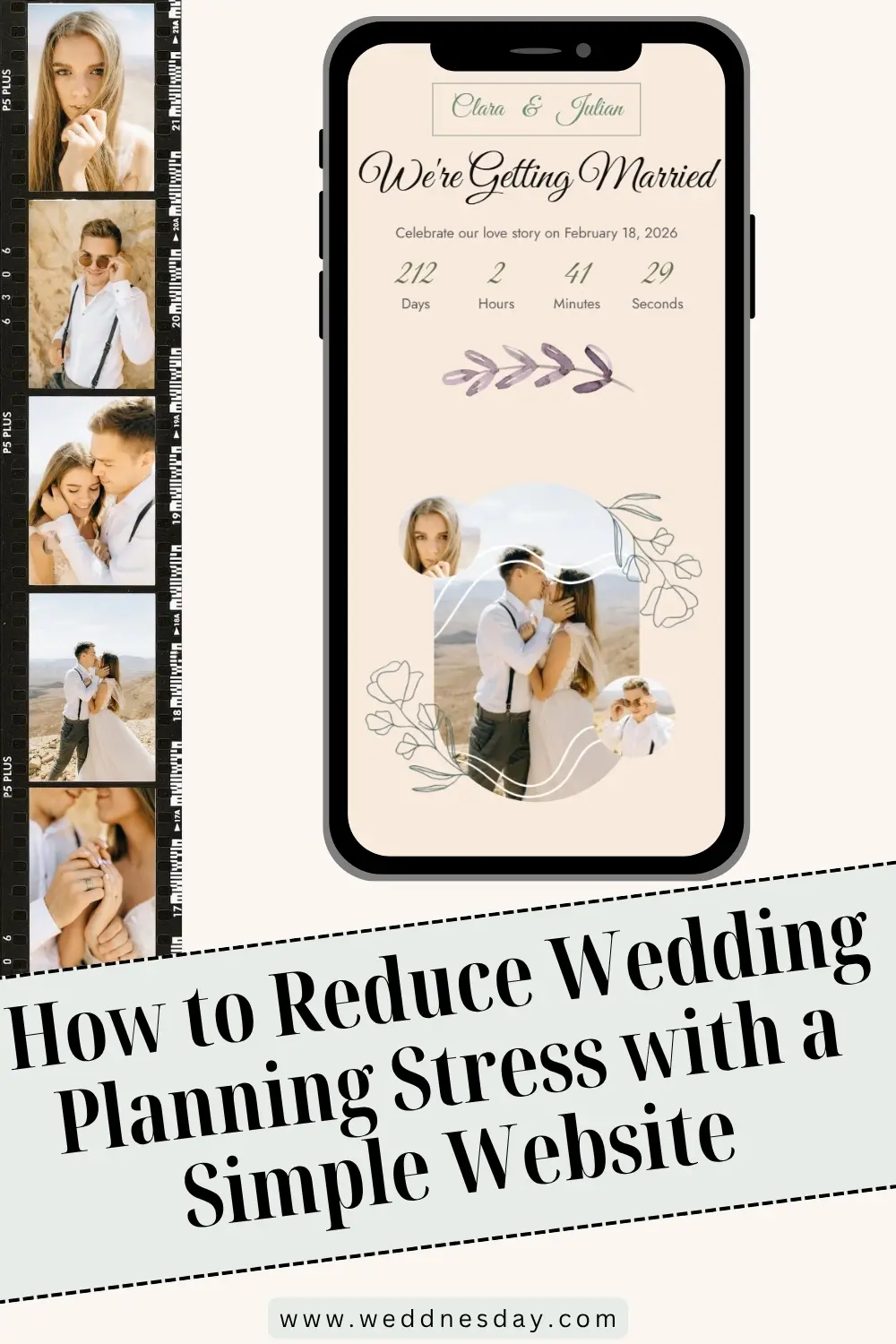
How to Use Your Wedding Website to Reduce Planning Stress (For You and Your Guests)
A wedding website reduces planning stress by answering guests' questions before they reach your phone, collecting RSVPs in one list instead of scattered messages, and giving everyone one place to check when plans change. Put the schedule, travel, dress code, and FAQ on it early, point every card and message to the link, and update the site instead of replying to each person.
Much of wedding stress is coordination: many people, many questions, many small changes. In The Knot 2026 Real Weddings Study of 10,474 US couples married in 2025, the average wedding had 117 guests and 13 vendors. A wedding website takes the guest side of that off your plate.
1. Answer the Same Question Once
Guests ask the same things: when to arrive, where to park, whether children are invited, what to wear. Write each answer once on the website, and reply to every message with the link. A FAQ with plus-ones, children, dress code, parking, and the weather plan covers most of them. Sample answers are in wedding website FAQs with sample answers.
2. Collect RSVPs in One List
Replies by text, email, and phone are easy to lose. An online RSVP form puts every reply in one place, with the meal choice and party size already typed. You check the count instead of chasing it. How to set it up is in digital RSVPs that work.
3. Change Details in One Place
When a start time moves or the shuttle changes, update the website, then send one short message with the link. Guests who check the site see the current plan, and you do not have to reply to dozens of "is it still at 4?" texts.
4. Publish in Stages
You do not need everything on day one. Publish the basics with the save-the-dates, the full details before the invitations, and the final logistics in the last two weeks. Smaller, regular updates are easier than one big rush. The stage-by-stage plan is in wedding website timeline.
5. Let Someone Else Answer Day-Of Questions
Name a day-of contact on the site who is not one of you, such as a coordinator or a friend. Guests with a parking question on the wedding day call them, not you.
6. Keep Hard Conversations Kind and Consistent
Adults-only events, no plus-ones, and a small guest list are easier to explain once, in calm words, than in a series of private messages. Gentle wording is in who is invited on your wedding website.
What Guests Gain
- One place to find the schedule, addresses, and maps.
- Hotel and travel details early enough to book well.
- A quick RSVP from their phone.
- The current plan, even when something changes.
What Not to Do
- Answer the same question privately again and again instead of adding it to the FAQ.
- Let the website go stale while plans change.
- Ask RSVP questions you will not use.
The full list of setup mistakes is in common wedding website mistakes.
Weddnesday collects every RSVP through a built-in form and emails you each new reply, and you can edit any section at any time without changing the link guests already have.
Stress-Less Checklist
- FAQ with the questions guests ask most.
- Online RSVP form with the deadline beside it.
- Every card and message points to the link.
- Changes go on the site first, then one short message.
- Basics, full details, and final logistics published in stages.
- A day-of contact who is not one of you.
- Sensitive guest-list rules explained once, kindly.
FAQ
How does a wedding website reduce stress?
It answers guests' questions once, collects RSVPs in one list, and gives everyone one place to check when plans change.
Do I really need a wedding website?
Not strictly, but with many guests it saves a lot of repeated messages, lost replies, and outdated details.
What should I put on my wedding website first?
Your names, the date, the city, and the hotel blocks, with the save-the-dates.
How do I stop guests texting me questions?
Add each repeated question to the FAQ, reply with the link, and name a day-of contact who is not you.
Is an online RSVP less stressful than paper?
Usually. Replies arrive in one list, already typed, so you count them instead of chasing them.
How should I tell guests about a change of plans?
Update the website first, then send one short message with the link.
Who should be the day-of contact on a wedding website?
A coordinator or a calm friend who knows the schedule and is not in the wedding party.
How often should I update my wedding website?
At each stage of planning, and the same day a detail changes.
How do I explain an adults-only wedding without stress?
Say it once on the website, in kind words, and keep the invitation addressing consistent with it.
Can a wedding website help with vendors too?
Mostly with guests. Use the final RSVP list to give your caterer and venue accurate numbers.
Save These Guides for Later
Wedding Website FAQs With Sample Answers
Who Is Invited on Your Wedding Website
Common Wedding Website Mistakes
Stay Connected
Follow Weddnesday for practical wedding planning guides, guest communication, and wedding website ideas.
Save This on Pinterest