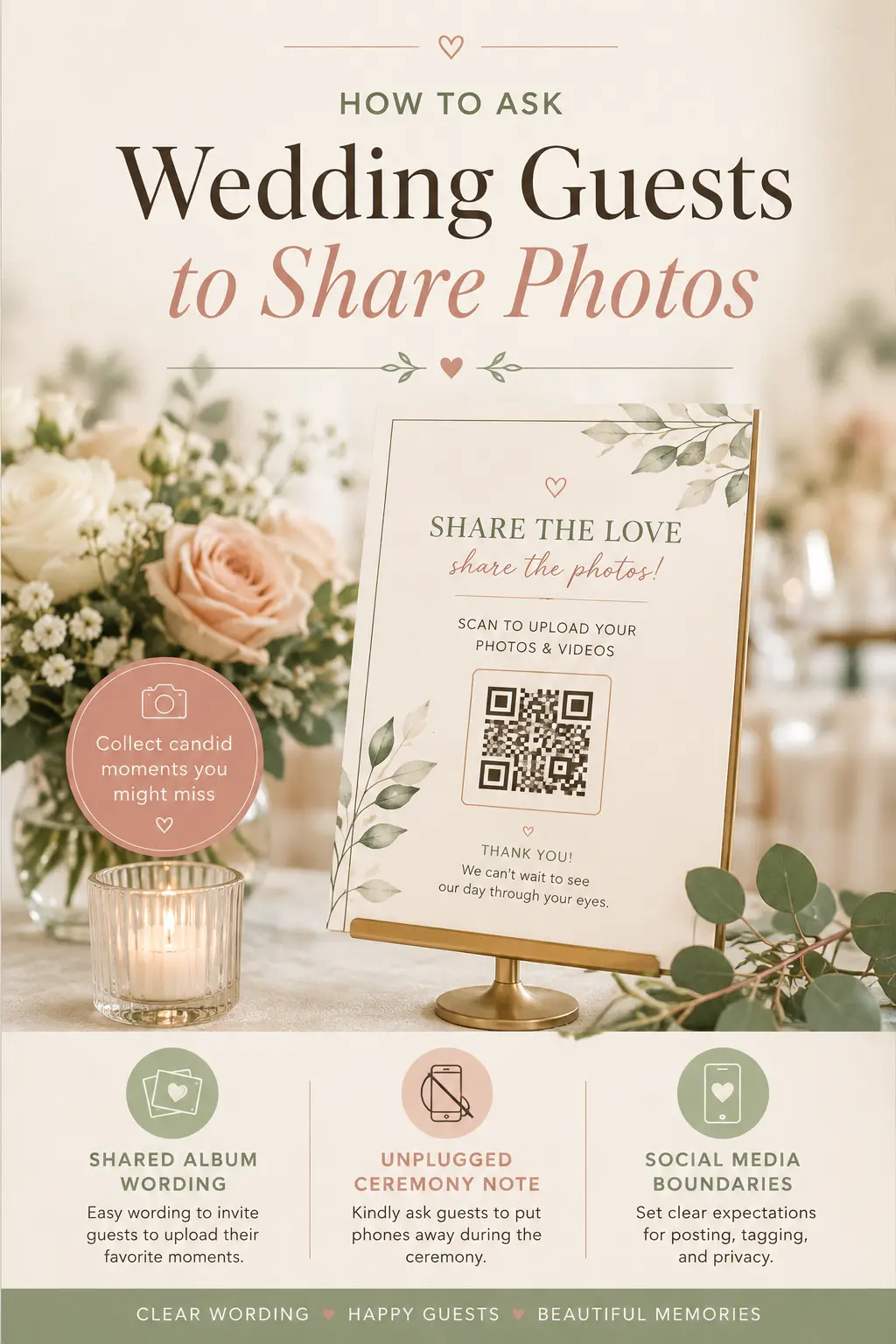
Wedding Website Photo Sharing Wording: How to Ask Guests to Share Photos Without Chaos
Wedding photos do not only come from your photographer anymore. Guests capture candid hugs, dance floor moments, behind-the-scenes getting-ready details, table selfies, and sweet little memories you may never see unless you ask for them clearly.
The challenge is that photo sharing can get messy fast. Some guests text dozens of images, some upload everything to social media before you are ready, some forget the hashtag, and some are unsure whether phones are welcome during the ceremony. A simple photo sharing note on your wedding website helps everyone understand what to do, where to upload photos, and when to put the phone away.
Why Photo Sharing Wording Belongs on Your Wedding Website
Your wedding website is the easiest place to set expectations before the day arrives. Instead of answering separate questions about hashtags, shared albums, QR codes, ceremony photos, or social media posts, you can give guests one clear place to check.
This is especially helpful if you are planning an unplugged ceremony, using a shared album, encouraging a wedding hashtag, or asking guests not to post certain moments right away. The wording does not need to feel strict. It should feel warm, practical, and easy to follow.
What to Include in Your Wedding Photo Sharing Note
Before you write the final message, decide what you actually want guests to do. Some couples want every candid photo. Others want no phones during the ceremony but welcome reception photos. Some prefer private uploads instead of public social posts.
- Where guests should share photos: Add a shared album link, QR code, upload form, email address, or hashtag.
- When phones are welcome: Explain whether guests can take photos during the ceremony, cocktail hour, reception, or after-party.
- Social media preferences: Say whether guests can post freely, wait until after the ceremony, or avoid posting private details.
- Any privacy boundaries: Mention if you do not want venue addresses, children, family moments, or private events posted publicly.
- A simple call to action: Make the next step obvious: upload here, tag us, scan this QR code, or send photos after the wedding.
Simple Wedding Photo Sharing Wording
We would love to see the day through your eyes. If you take photos during the celebration, please share them with us using our shared album here: [insert link]. Candid moments, dance floor photos, table selfies, and behind-the-scenes memories are all welcome.
Thank you for helping us collect the moments we might miss. We cannot wait to relive the day through your photos.
Photo Sharing Wording for an Unplugged Ceremony
We are having an unplugged ceremony. Please keep phones and cameras tucked away while we exchange vows so everyone can be fully present. Our photographer will capture the ceremony, and we promise to share photos afterward.
After the ceremony, photos are welcome. During cocktail hour and the reception, feel free to take photos and upload your favorites to our shared album: [insert link].
If you are also explaining your phone-free ceremony in more detail, add a dedicated note using the examples in What to Put on Your Wedding Website About Unplugged Ceremonies.
Photo Sharing Wording for a Shared Album
Help us build our wedding memory album. We have created a shared photo album where guests can upload their favorite photos and videos from the weekend. Please add your candid moments here: [insert link].
No photo is too small. We would love to see the laughter, happy tears, dance moves, table moments, travel snapshots, and little details you notice along the way.
Photo Sharing Wording for a QR Code
Scan, upload, and share the fun. You will see QR codes at the reception that link to our wedding photo album. If you take photos or videos, scan the code and upload your favorites so we can enjoy them after the wedding.
Thank you for capturing the candid moments. Our photographer will handle the formal photos, but your snapshots will help us remember the day from every angle.
Wedding Hashtag Wording
Using our wedding hashtag? Tag your reception photos with #[insert hashtag] so we can find them easily after the celebration. We would love to see your favorite memories from the dance floor, dinner, and late-night fun.
Please avoid posting ceremony photos until after the ceremony has ended. We want to keep that moment present and private while it is happening.
Photo Sharing Wording for Private Couples
We would love your photos, but we are keeping things private online. If you capture moments from the wedding, please upload them to our private shared album instead of posting them publicly: [insert link].
Thank you for respecting our privacy. We are so grateful to celebrate with you and cannot wait to see the day through your eyes.
Social Media Wording for Wedding Guests
Feel free to share reception photos after the ceremony. We kindly ask that guests avoid posting ceremony moments before we have had a chance to experience them fully. After that, we would love to see your photos and videos.
Please tag us or use our hashtag: #[insert hashtag]. You can also upload photos directly to our shared album here: [insert link].
Photo Sharing Wording for Destination Weddings
Help us capture the full wedding weekend. If you take photos during your travels, the welcome party, ceremony day, or farewell brunch, please upload them to our shared album: [insert link].
We would love to remember the full experience. Beach walks, group dinners, airport reunions, local adventures, and dance floor videos are all part of the story.
For more destination planning details, pair this with Destination Wedding Website Must-Haves.
Photo Sharing Wording for Multi-Day Wedding Weekends
Share photos from every event. Whether you are joining us for welcome drinks, the ceremony, the reception, or brunch, we would love to see your favorite memories from the weekend.
Please upload your photos here: [insert link]. If you are sharing publicly, use #[insert hashtag] so we can find everything in one place.
If your wedding has multiple events, make sure your photo sharing note matches your full schedule. Guests should know which events are private, which are casual, and when photos are welcome. You can organize this alongside your timeline using Wedding Website Timeline.
Where to Put Photo Sharing Details on Your Wedding Website
Photo sharing details should be easy to find, but they do not need to dominate your homepage. Most couples place them in the FAQ section, on the schedule page, or in a small note near the reception details.
- FAQ page: Best for answering “Can we take photos?” and “Is there a hashtag?”
- Schedule page: Best for explaining when phones are welcome at each event.
- Homepage update: Useful during the wedding week if you want guests to upload photos after the celebration.
- Reception signage: Great for QR codes and shared album reminders.
- RSVP confirmation: Helpful if you want guests to know about an unplugged ceremony early.
If you are already building a strong FAQ section, add photo sharing as one of your standard guest questions. For more examples, use What to Write on Your Wedding Website FAQs.
What Not to Say
Photo sharing wording works best when it feels clear, not controlling. Avoid long explanations, guilt-heavy language, or instructions that make guests feel scolded before they arrive.
- Avoid: “Do not ruin our ceremony with your phones.”
- Try: “Please keep phones tucked away during the ceremony so everyone can be fully present.”
- Avoid: “Send us all your photos immediately.”
- Try: “We would love for you to upload your favorite photos when you have a moment.”
- Avoid: “No social media allowed.”
- Try: “We are keeping ceremony moments private, but reception photos are welcome.”
Photo Sharing FAQ Examples
Can guests take photos during the ceremony?
We are having an unplugged ceremony, so please keep phones and cameras tucked away while we exchange vows. Photos are welcome after the ceremony.
Where should guests upload wedding photos?
Please upload your favorite photos and videos to our shared album here: [insert link]. We would love candid moments from the whole celebration.
Can guests post wedding photos on social media?
Yes, reception photos are welcome. We kindly ask that guests wait until after the ceremony before posting and avoid sharing private location details.
Is there a wedding hashtag?
Yes. Use #[insert hashtag] for reception photos so we can find and save them after the wedding.
Should guests send photos by text?
Please use the shared album instead of texting photos directly. It keeps everything in one place and makes it easier for us to save the memories.
Final Checklist Before You Publish
- Choose one main photo sharing method: shared album, QR code, hashtag, or email.
- Explain whether your ceremony is unplugged.
- Say when social posting is welcome.
- Add privacy preferences if needed.
- Place the note in your FAQ, schedule, or reception details.
- Test the upload link or QR code before sharing it.
- Remind guests during the wedding week if photo uploads matter to you.
Build a Clearer Wedding Website with Weddnesday
Weddnesday helps couples keep guest communication simple, organized, and easy to update. From RSVP details to photo sharing notes, your wedding website can become the one place guests trust for every important answer.
Start with the essentials in the Wedding Website Checklist, reduce confusion with How to Use Your Wedding Website to Reduce Planning Stress, and keep guests informed before the big day with Last-Minute Wedding Website Updates.
Save These Guides for Later
Unplugged Ceremony Wording
Wedding Website FAQ Examples
What Wedding Guests Actually Expect in 2026
Stay Connected
Follow Weddnesday for weekly planning tips, guest communication ideas, and wedding website inspiration:
Pinterest | Instagram | Facebook | LinkedIn
Save This on Pinterest