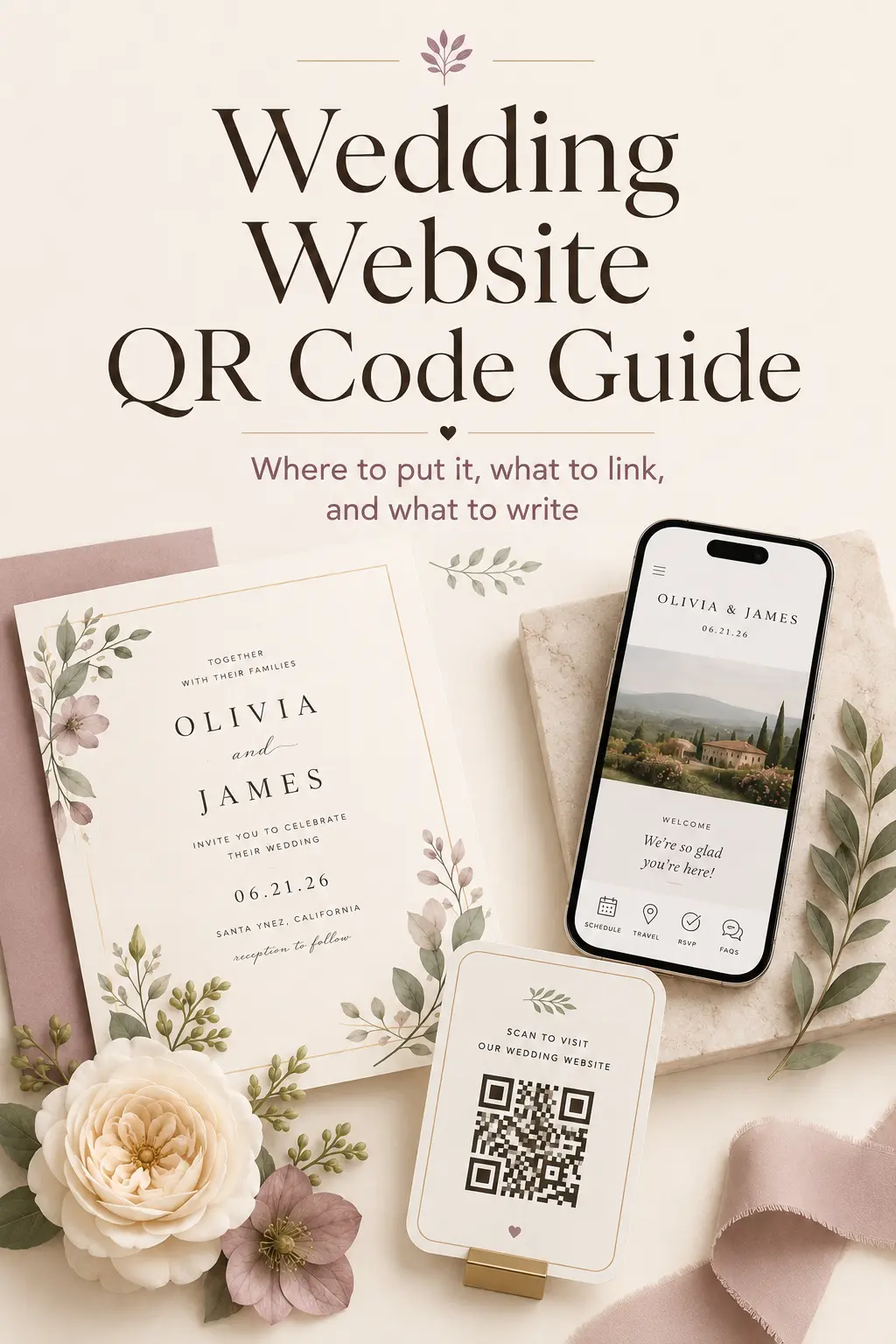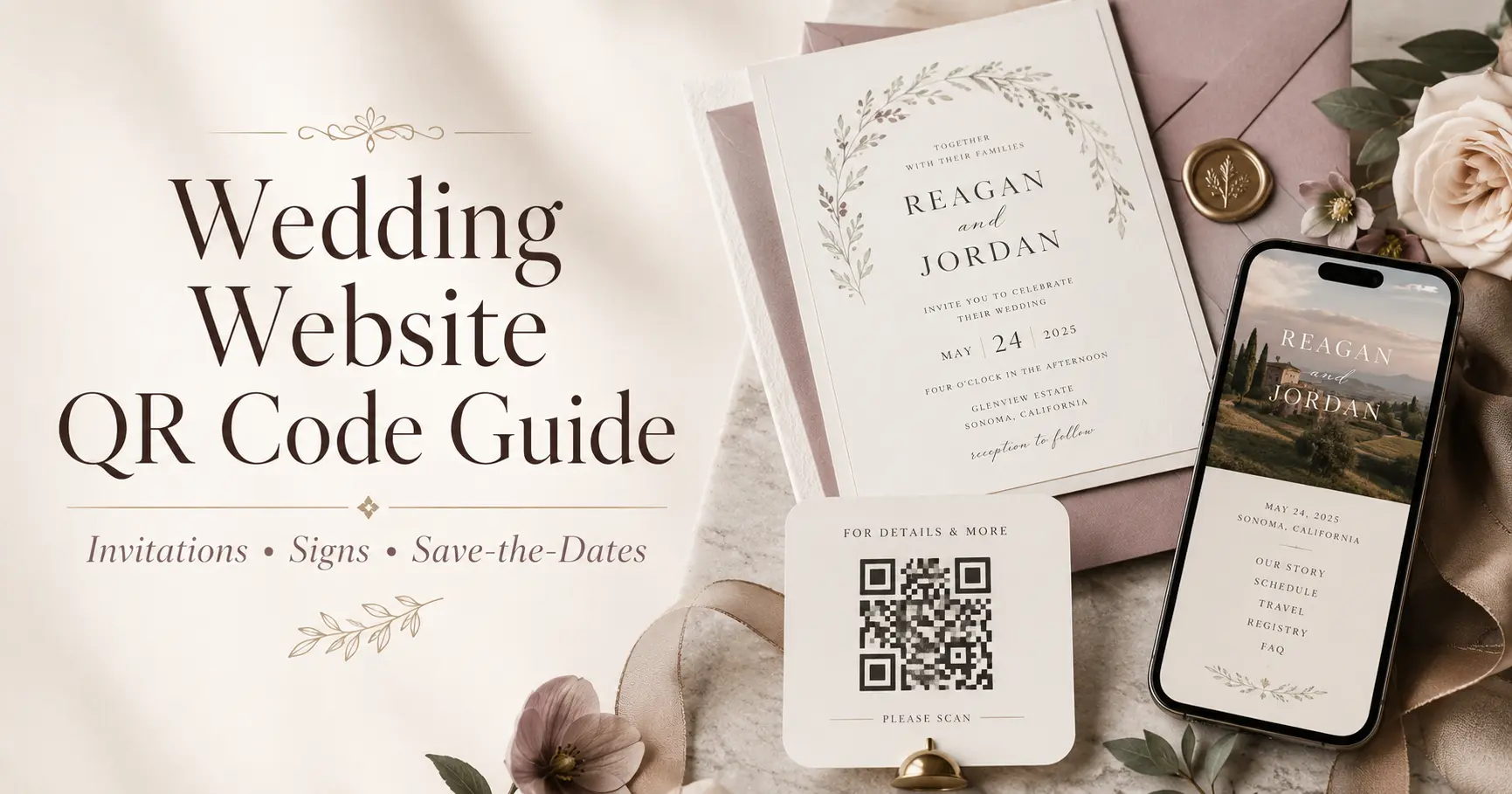
Wedding Website QR Code Guide: How to Share Your Site on Invitations, Signs, and Save-the-Dates
A wedding website QR code is one of the easiest ways to help guests find your RSVP, schedule, travel details, registry, and last-minute updates without typing a long URL. Add it to your save-the-dates, invitations, welcome signs, programs, menus, and reception signage so guests always know where to go for the latest information.
The key is not just creating a QR code. It is placing it in the right moments, labeling it clearly, testing it before printing, and making sure the page it opens is genuinely helpful on a phone. This guide walks you through what to link, where to use your QR code, what wording to add, and how to avoid common mistakes.
What Is a Wedding Website QR Code?
A wedding website QR code is a scannable square code that opens your wedding website when guests point their phone camera at it. Instead of asking guests to type a URL, search their inbox, or message you for details, the QR code takes them straight to your site.
It works especially well because wedding guests are often looking for information in the moment: how to RSVP, where to park, what time the shuttle leaves, what to wear, or where to upload photos after the reception.
Should You Use a QR Code for Your Wedding Website?
Yes, if your wedding website has useful guest information. A QR code is helpful on save-the-dates, invitations, wedding-weekend signage, welcome bags, programs, and reception cards because it makes your website easier to access.
A QR code is most useful when it links to a mobile-friendly page with clear next steps. Before sharing it, make sure your website includes your RSVP, schedule, venue address, dress code, travel details, registry, FAQ, and any guest instructions that would otherwise become texts or calls.
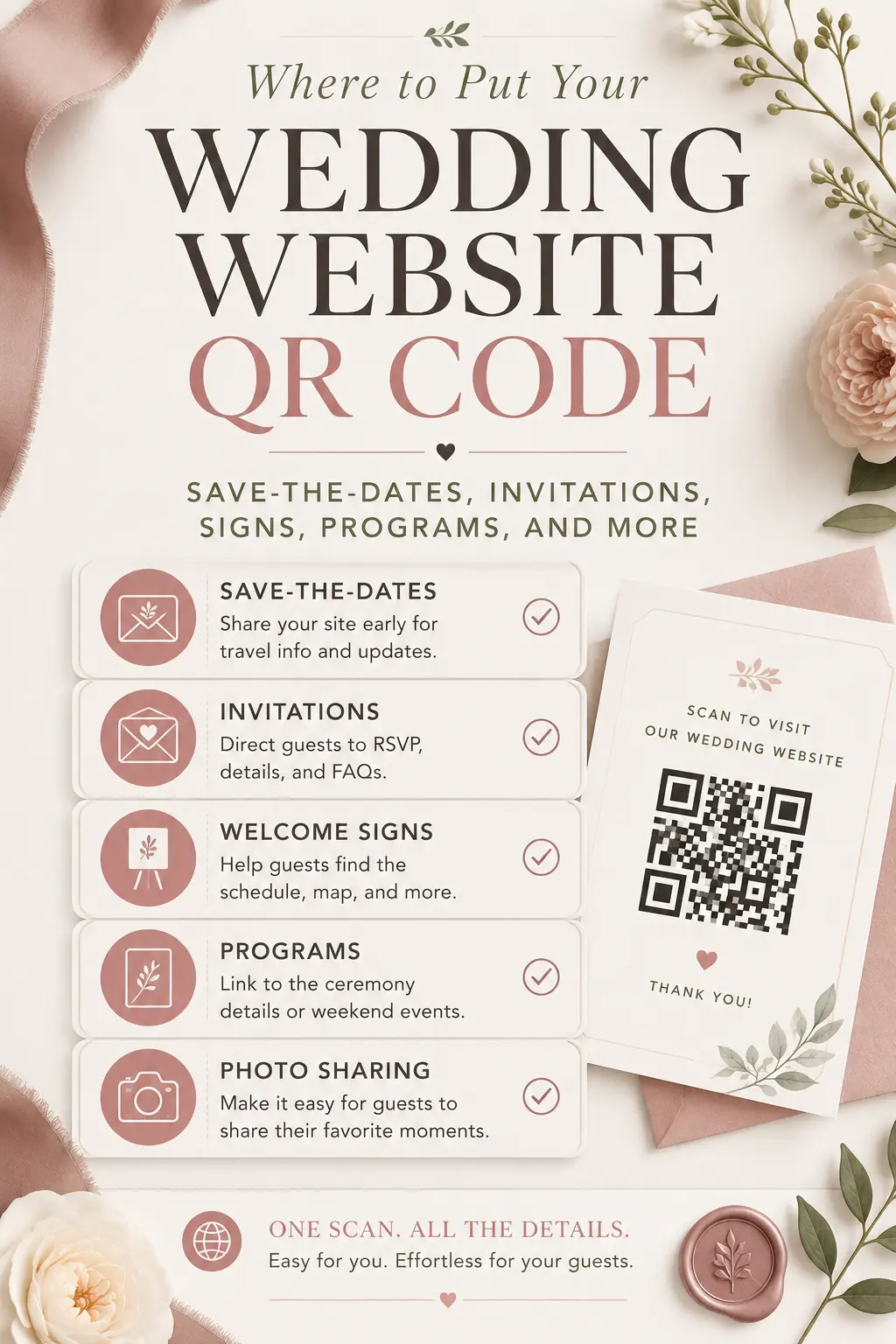
Where to Put Your Wedding Website QR Code
The best place for your QR code depends on what you want guests to do. Use one main QR code for your wedding website, then place it anywhere guests need fast access to details.
- Save-the-dates: Link to your homepage so guests can find your date, city, travel basics, and early updates.
- Invitations: Link to your RSVP page or a homepage with a clear RSVP button.
- Details cards: Use the QR code to reduce printed text and direct guests to travel, parking, hotel blocks, and FAQs.
- Welcome signs: Help guests access the schedule, venue map, and weekend information when they arrive.
- Programs: Link to ceremony details, digital programs, wedding party bios, or a weekend schedule.
- Menus and table signs: Link to meal details, allergy reminders, photo sharing instructions, or reception updates.
- Welcome bags: Give out-of-town guests quick access to transportation, local recommendations, and event timing.
- Reception signage: Link to photo sharing instructions, after-party details, shuttle times, or thank-you notes.
What Should Your QR Code Link To?
For most couples, the QR code should link to the wedding website homepage, as long as the homepage clearly directs guests to RSVP, schedule, travel, FAQ, and registry details. If the QR code appears on the invitation, linking directly to the RSVP page can be more effective.
Use this simple rule: link to the page guests need most at that moment.
- Save-the-date QR code: Homepage or travel preview.
- Invitation QR code: RSVP page or homepage with RSVP above the fold.
- Details card QR code: Travel, accommodations, parking, and FAQ page.
- Welcome sign QR code: Weekend schedule or guest homepage.
- Ceremony program QR code: Digital program or wedding party details.
- Reception QR code: Photo sharing, menu, shuttle timing, or after-party details.
Wedding Website QR Code Wording for Save-the-Dates
Save-the-date wording should be short, warm, and clear. Guests do not need every detail yet; they just need to know where future updates will live.
- Simple: Scan for wedding details, travel updates, and more.
- Warm: We can’t wait to celebrate with you. Scan here for details as they come together.
- Practical: Scan to visit our wedding website for hotel, travel, and schedule updates.
- Short: Scan for wedding details.
- Early planning: Planning ahead? Scan for our wedding website and travel information.
If your website is still light on details, make sure the homepage says when guests can expect more information. For timing help, read Wedding Website Timeline: When to Launch & What to Update.
Wedding Website QR Code Wording for Invitations
Invitation QR code wording should make the guest’s next step obvious. If you want them to RSVP online, say that directly.
- RSVP-focused: Kindly RSVP by scanning the code below.
- Formal: Please scan to RSVP and view wedding details.
- Friendly: Scan here to RSVP, view the schedule, and find everything you need for the day.
- Minimal: RSVP and details: scan here.
- Deadline-focused: Please scan to RSVP by [date].
Place the QR code near the RSVP wording, not hidden at the bottom of a crowded card. Guests should instantly understand that scanning the code is how they respond.
Wedding Website QR Code Wording for Details Cards
A details card is one of the best places for a QR code because it keeps printed invitations clean while still giving guests complete information.
- Simple: For travel, hotel blocks, dress code, and FAQs, please scan here.
- Helpful: Scan for everything you need to know before the wedding weekend.
- Guest-first: We’ve gathered travel, parking, schedule, and RSVP details on our wedding website.
- Destination wedding: Scan for flights, hotel details, local transportation, and weekend events.
- Multi-event wedding: Scan for the full weekend schedule and event-specific details.
If your details card mentions accommodations or transportation, connect the QR code to those exact sections. Guests should not have to hunt for the information they scanned to find.
Wedding Website QR Code Wording for Wedding Signs
Wedding-day signage should be especially direct because guests may be standing in a line, holding a drink, or trying to make a quick decision. Use action words and keep the text large enough to read from a few feet away.
- Welcome sign: Scan for today’s schedule, venue map, and guest details.
- Photo sharing sign: Share your photos with us. Scan to upload your favorites.
- Shuttle sign: Scan for shuttle times and pickup details.
- Menu sign: Scan to view the full menu and dietary notes.
- After-party sign: Scan for after-party location and timing.
For photo collection wording, see Wedding Website Photo Sharing Wording. For shuttle details, use Wedding Website Transportation & Shuttle Info.
How Big Should a Wedding QR Code Be?
Make the QR code large enough to scan easily. On printed invitations and small details cards, avoid shrinking it too much. On signs, make it large, high-contrast, and surrounded by enough white space so guests can scan quickly.
- Use strong contrast, such as black or dark ink on a light background.
- Keep a clean margin around the QR code.
- Avoid placing it over busy photography or textured patterns.
- Test the printed version, not just the digital proof.
- Include the short wedding website URL as backup text near the code.
If a QR code looks beautiful but does not scan quickly, it is not doing its job. Guest experience matters more than decoration.
How to Test a Wedding Website QR Code Before Printing
Always test your QR code before ordering invitations, signs, or printed materials. A broken QR code can cause RSVP confusion and last-minute guest questions.
- Scan it with more than one phone.
- Test it in bright light and lower light.
- Open it on mobile data, not only Wi-Fi.
- Check that it loads the right page.
- Confirm the RSVP button or key action is easy to find.
- Print a sample at actual size and scan the paper version.
- Ask someone outside the planning process to test it and explain what they see.
Also check every link on the landing page. If your QR code sends guests to your homepage, make sure the RSVP, schedule, registry, travel, and FAQ links all work before you print.
Static vs. Dynamic QR Codes for Weddings
A static QR code usually points to one fixed URL. A dynamic QR code can often be edited later through the QR code provider, depending on the tool you use. For weddings, a static code is usually enough if your wedding website URL will not change.
Dynamic QR codes can be helpful if you are not fully sure which page you want the code to open later. However, they may rely on a third-party service, so check whether the code will keep working after any free trial or account change.
- Use static: If your wedding website URL is final and reliable.
- Use dynamic: If you want the option to redirect the QR code later.
- Avoid risk: Do not use a QR code service you do not trust for your only RSVP path.
Should You Put the Full URL Next to the QR Code?
Yes. Always include the short wedding website URL near the QR code as a backup. Some guests may prefer typing the address, using a desktop computer, or visiting the site later.
Keep the URL short, readable, and easy to type. If your wedding website has a custom link, use that instead of a long tracking URL on printed materials.
How to Use QR Codes Without Confusing Guests
Do not place too many different QR codes in too many places. Guests should not have to guess which one to scan. In most cases, one main wedding website QR code is enough.
- Use one primary QR code for your wedding website.
- Use clear labels such as “Scan to RSVP” or “Scan for today’s schedule.”
- Avoid mixing RSVP, registry, menu, and photo codes without context.
- Do not rely on the QR code alone; include a short URL too.
- Make sure the website page answers the question your wording promises.
Clarity matters more than cleverness. If your sign says “Scan for shuttle times,” the page should open directly to shuttle details or make them obvious immediately.
Privacy Tips for Wedding Website QR Codes
A QR code makes your wedding website easier to access, so think carefully about what is public. If your site includes addresses, hotel blocks, shuttle details, private event notes, or RSVP access, use privacy settings that match your comfort level.
- Password-protect sensitive details if your website allows it.
- Do not place private RSVP links on public signs before the event.
- Avoid posting QR codes with venue addresses on public social media.
- Use guest-specific RSVP settings when possible.
- Keep registry links easy to find but not the main focus of every printed item.
For a deeper privacy checklist, read Wedding Website Privacy in 2025.
QR Code Ideas for Each Wedding Planning Stage
Your QR code can support the full guest journey, from early planning to the final thank-you. The best use changes as your wedding gets closer.
- 6-9 months before: Add the QR code to save-the-dates so guests can view your date, city, and travel basics.
- 3-4 months before: Use the QR code on invitations to drive RSVPs and meal choices.
- 1 month before: Direct guests to final schedule, parking, shuttle, dress code, and FAQ details.
- Wedding week: Use signage or welcome bag cards to highlight live updates and weekend logistics.
- Wedding day: Link to photo sharing, shuttle reminders, after-party details, or digital programs.
- After the wedding: Update the same website with thank-you notes, photo galleries, and next steps.
For more ways to use your website from start to finish, see From Save-the-Date to Thank You.
Common Wedding QR Code Mistakes to Avoid
Most QR code issues are easy to prevent. Before you print anything, watch for these common mistakes.
- Linking to an unfinished page: Guests scan and find missing details or placeholder text.
- Making the code too small: It looks elegant but fails on paper.
- Using low contrast: Pale ink, metallic foil, or busy backgrounds can make scanning harder.
- No wording: Guests see a QR code but do not know what it opens.
- No backup URL: Guests without easy scanning access have no other option.
- Changing the website link after printing: The QR code points to an old or broken page.
- Forgetting mobile design: The code works, but the page is hard to use on a phone.
If you are still building your site, start with What to Include on Your Wedding Website and avoid common setup issues with Common Wedding Website Mistakes.
Wedding Website QR Code Checklist
- Choose the exact page your QR code should open.
- Make sure the page is mobile-friendly.
- Add clear wording beside the code.
- Include a short URL as backup.
- Use strong contrast and enough white space.
- Test the QR code on multiple phones.
- Print a sample and scan it at actual size.
- Confirm RSVP, schedule, FAQ, registry, and travel links work.
- Protect private details if your site includes sensitive information.
- Ask one guest or friend to test the full experience before printing.
Build a Guest-Friendly Wedding Website with Weddnesday
A QR code is only helpful if the page behind it is clear. Weddnesday helps couples create a beautiful, mobile-friendly wedding website with guest-first details, streamlined RSVPs, privacy controls, and easy updates. After you publish, download a free printable website QR code from your dashboard — ready for invitations, save-the-dates, and signs. Explore Modern Wedding Website Features, plan your launch with the Wedding Website Timeline, and share your site confidently with How to Share Your Wedding Website with Guests. Prefer RSVP-only for paper invites? See RSVP with QR.
FAQ
Can you put a QR code on a wedding invitation? Yes. A QR code on a wedding invitation is a practical way to send guests to your RSVP page, schedule, travel details, and FAQ without printing a long URL.
Where should a wedding website QR code go? Place it where guests need quick access: save-the-dates, invitation details cards, welcome signs, programs, menus, welcome bags, and reception signage.
What should a wedding QR code link to? Link it to your wedding website homepage if the homepage has clear navigation. For invitations, linking directly to the RSVP page can work better.
Should I include the URL with the QR code? Yes. Always include a short written URL near the QR code so guests have a backup option if they prefer not to scan.
Can I use the same QR code for save-the-dates and invitations? Yes, if the wedding website URL stays the same. Just update the website content as planning progresses so the same code remains useful.
Are wedding QR codes tacky? No. When designed cleanly and used with helpful wording, a QR code feels modern, practical, and guest-friendly. Keep it subtle, readable, and connected to a useful page.
Should my wedding website QR code be password protected? The QR code itself is not usually password protected, but the page it opens can be. Use privacy settings for sensitive details like addresses, hotel blocks, RSVP access, and shuttle information.
Save These Guides for Later
How to Share Your Wedding Website with Guests
Last-Minute Wedding Website Updates
Stay Connected
Follow Weddnesday for weekly planning tips, wedding website ideas, and guest-friendly wording examples.
Save This on Pinterest